Manual today
The work still depends on memory.
Owners review menu performance from memory, POS exports, and supplier invoices when there is time.
Menu
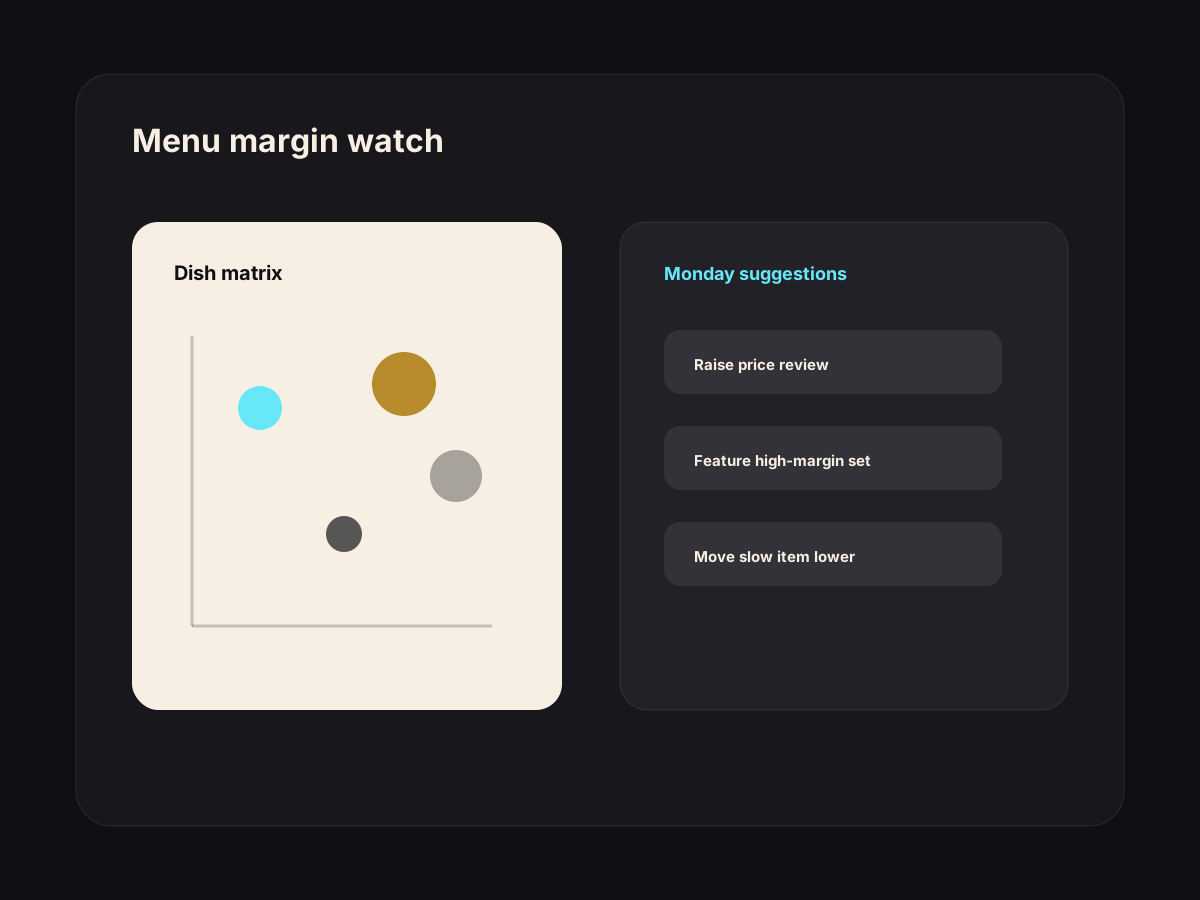
Margin-killer dishes flagged. Stars pushed. Page laid out from real data, not gut feel.
Once your menu is structured and connected to your POS, AI reads what customers click, scroll past, and order — and tells you where to push, edit, or cut.
Best fit
This is not a generic chatbot. It is a narrow workflow around work your team already does every week.
Manual today
Owners review menu performance from memory, POS exports, and supplier invoices when there is time.
With the workflow
The system connects sales, margin, and menu-page behavior into one weekly set of recommendations for approval.
How it works
The workflow is designed around approval, not blind automation. AI prepares the work; your team keeps control.
Connect your POS or order export so the workflow sees what actually sells.
Watch food-cost trends weekly and flag dishes whose margin has crept above target.
Track click and scroll behavior on the menu page to surface what customers actually look at.
Suggest a fresh menu page layout each week — push the stars, bury the underperformers.
Use cases
Italian restaurant in Pattaya
Imported ingredient costs move, but the menu page still pushes low-margin dishes.
The workflow flags margin pressure and suggests where to feature profitable specials instead.
Cafe in Bangkok
Customers click desserts but order coffee combos at higher value.
The menu layout shifts attention toward bundles the owner approves.
Beach restaurant in Phuket
Seasonal seafood specials sell well for tourists but need weekly price checks.
Monday alerts name the dishes to review before the busy weekend.
Included
Owner concerns
This does not replace judgement. It catches cost drift and customer behavior that is easy to miss during service.
A weekly export is enough to start. The workflow can grow later if the restaurant needs deeper integration.
Questions
No. The workflow drafts suggestions every Monday. You approve every change before it goes live.
Anything that exports order data works. We have connected Square, Loyverse, FoodStory, and a few Excel-export setups.
Specials get flagged separately so they are not mistaken for poor performers. Seasonal context is part of the weekly review.
Next step
If this starts touching inventory, staff, dashboards, customer history, or several locations, move into a custom AI system.
Reviews
Drafted in 30 seconds. Approved in 5. Posted without staring at a blank box.
See workflow →Social
One useful weekly batch: drafted, queued, approved, then published.
See workflow →QR Kit
A mobile page customers can scan, read, and use without downloading anything.
See workflow →