Manual today
The work still depends on memory.
Posting depends on whoever remembers, so good updates disappear inside camera rolls and chat threads.
Social
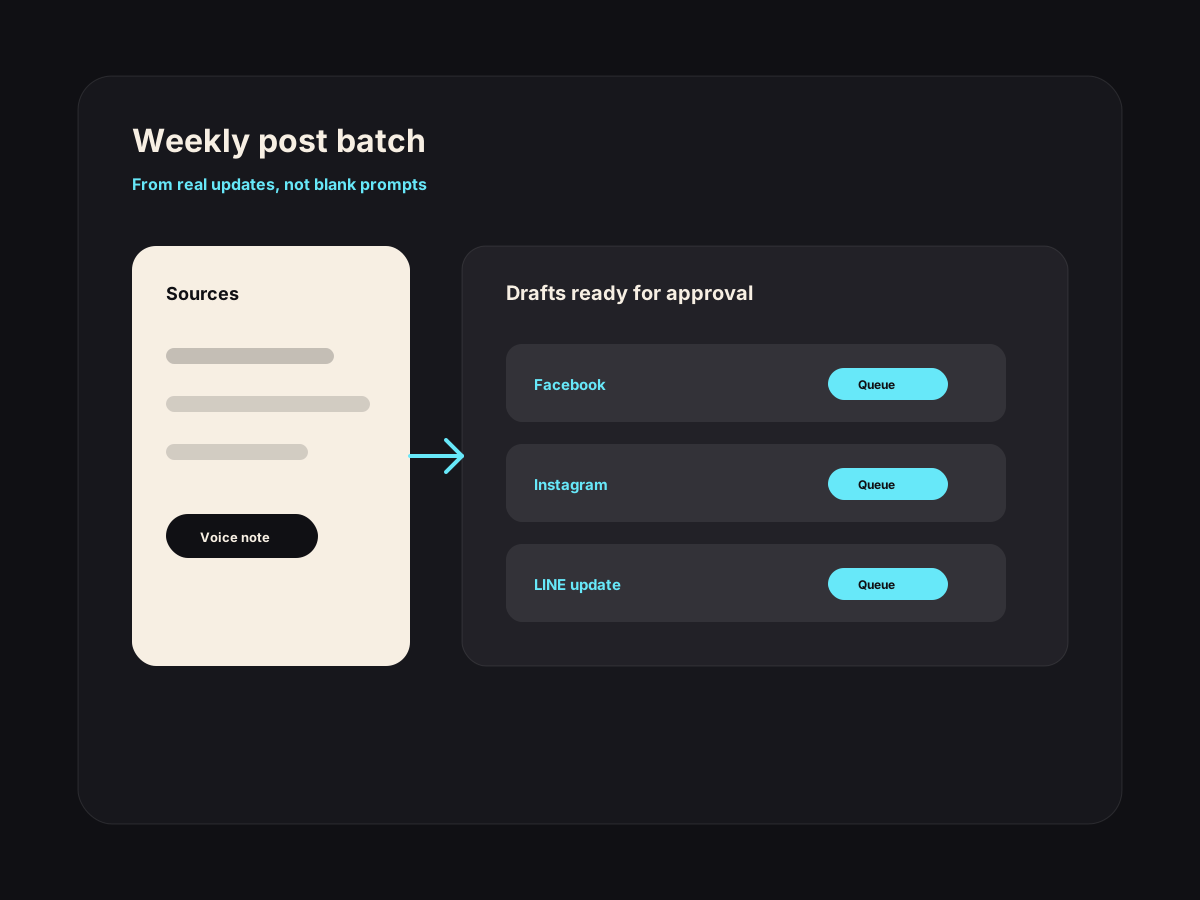
One useful weekly batch: drafted, queued, approved, then published.
Instead of guessing what to post, the workflow pulls from what actually happened: a new dish, a busy class, a client result, an event, or a good review.
Best fit
This is not a generic chatbot. It is a narrow workflow around work your team already does every week.
Manual today
Posting depends on whoever remembers, so good updates disappear inside camera rolls and chat threads.
With the workflow
Real business activity becomes a weekly approval queue for Facebook, Instagram, LINE, and Google updates.
How it works
The workflow is designed around approval, not blind automation. AI prepares the work; your team keeps control.
Collect the source material your business already has.
Turn it into short post drafts for Facebook, Instagram, LINE, or Google updates.
Queue the best options for approval.
Keep a simple record of what was posted and what needs new photos or details.
Use cases
Cafe in Chiang Mai
The team has photos of a new dessert but nobody writes the caption.
The workflow drafts a Google update, Facebook caption, and LINE broadcast from the same source note.
Muay Thai camp in Phuket
Trainers record short clips every week but posts are irregular.
One trainer note becomes class recap captions, beginner tips, and a short website update.
Spa in Bangkok
A seasonal treatment sells well but only existing clients know about it.
AI drafts a warm announcement and a Google Business update for owner approval.
Included
Owner concerns
Drafts are based on your real updates, past captions, and plain customer language. The owner still approves the final version.
The workflow starts from what already happened this week: reviews, offers, classes, menu changes, bookings, and staff notes.
Questions
Usually yes. AI can draft the text, but real photos from your business make the posts believable.
It can be wired to publish after approval. For most small businesses, approval first is the safer default.
The common setup is Facebook, Instagram, LINE, and Google Business Profile updates, depending on your accounts.
Next step
If this starts touching inventory, staff, dashboards, customer history, or several locations, move into a custom AI system.
Reviews
Drafted in 30 seconds. Approved in 5. Posted without staring at a blank box.
See workflow →QR Kit
A mobile page customers can scan, read, and use without downloading anything.
See workflow →Bookings
One tap opens the right message, with the right details already filled in.
See workflow →