Manual today
The work still depends on memory.
Menus and service lists live in PDFs, photos, and chat replies that become stale quickly.
QR Kit
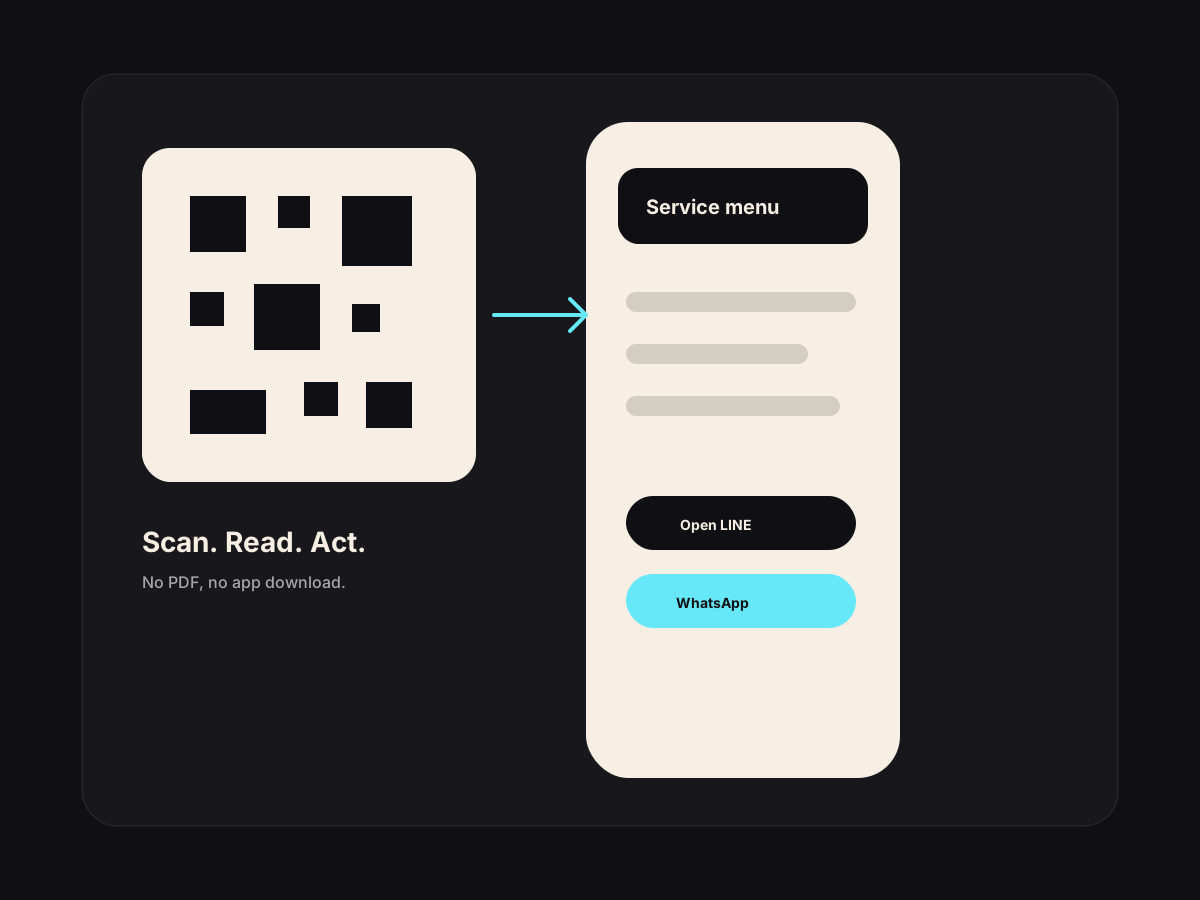
A mobile page customers can scan, read, and use without downloading anything.
This is the free entry point: a simple QR menu, service page, or WhatsApp action page. The paid workflow adds edits, analytics, content help, and ongoing care.
Best fit
This is not a generic chatbot. It is a narrow workflow around work your team already does every week.
Manual today
Menus and service lists live in PDFs, photos, and chat replies that become stale quickly.
With the workflow
One mobile page stays current, tracks interest, and points customers to the right WhatsApp, LINE, or booking action.
How it works
The workflow is designed around approval, not blind automation. AI prepares the work; your team keeps control.
Join the prelaunch list with your business type and contact details.
We prepare the first QR page structure around your menu, services, or booking action.
You get a mobile-first page that can sit on tables, counters, posters, or your Google profile.
Upgrade later if you want content updates, AI drafts, and reporting handled monthly.
Use cases
Restaurant in Pattaya
Printed menus are out of date every time prices or specials change.
Guests scan one QR code and see the current menu with WhatsApp or LINE action buttons.
Salon in Bangkok
Customers ask the same service and price questions before booking.
A clean service page explains the treatments, price ranges, and next action before staff reply.
Cooking class in Chiang Mai
Tourists scan a poster at a hotel or cafe and need the class details fast.
The QR page shows class times, dietary notes, and a prefilled booking message.
Included
Owner concerns
PDFs are hard to read on phones and hard to track. A mobile page loads faster and makes the next action clear.
That is the reason to use this. The paid care layer keeps changes from becoming a weekly staff problem.
Questions
It is in prelaunch. You can register interest now and we will invite early businesses as the signup flow opens.
No. It also works for spas, salons, clinics, gyms, classes, and any business that needs a clean mobile service page.
The paid upgrade adds setup, content structure, updates, AI drafts, and monthly care so the page stays useful after launch.
Next step
If this starts touching inventory, staff, dashboards, customer history, or several locations, move into a custom AI system.
Reviews
Drafted in 30 seconds. Approved in 5. Posted without staring at a blank box.
See workflow →Social
One useful weekly batch: drafted, queued, approved, then published.
See workflow →Bookings
One tap opens the right message, with the right details already filled in.
See workflow →