Blog
Color Systems for Templates That Scale
Published 2025-04-10
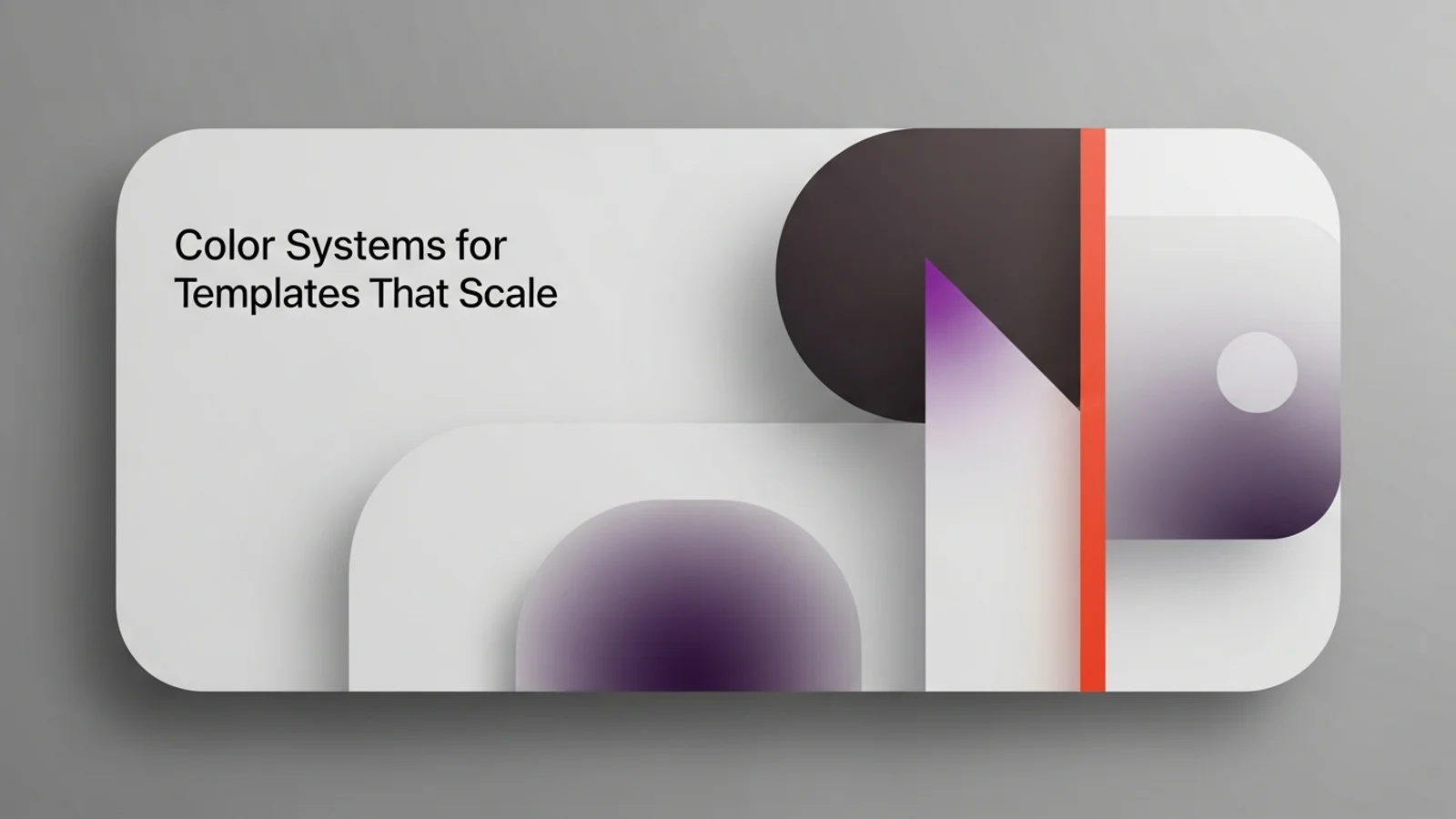
A good color system makes a template feel consistent even when content changes. The goal is a palette that supports hierarchy, states, and emphasis without looking loud.
Start with a neutral base
Your neutrals do the heavy lifting.
- 5 to 7 neutral steps are enough.
- Use neutrals for backgrounds, borders, and text.
- Keep text contrast high for readability.
If your neutrals are strong, your accent can stay subtle.
Pick one accent with a job
A single accent color should guide attention, not decorate.
- Use it for primary actions and key links.
- Avoid using it for large background areas.
- If you need a second accent, keep it rare.
The accent is a signal, not wallpaper.
Define semantic tokens
Name colors by purpose, not by hue.
:root {
  --bg: #ffffff;
  --bg-muted: #f6f7f8;
  --text: #0b0f14;
  --text-muted: #667085;
  --border: #e4e7ec;
  --accent: #2563eb;
  --accent-muted: #dbeafe;
  --success: #16a34a;
  --warning: #f59e0b;
}
When colors are semantic, swapping a palette becomes easy.
Build surface depth with tints
Instead of multiple shadows, use subtle background tints.
- Card surface: 2 to 4 percent darker than page.
- Hover state: small shift in tint, not a new color.
- Sections: alternate a light tint for rhythm.
Depth should be felt, not noticed.
Test contrast early
Do a quick accessibility pass before you design every component.
- Body text on background
- Secondary text on muted background
- Buttons and links in all states
Fix contrast now to avoid redesign later.
Common mistakes
- Too many saturated colors competing for attention.
- Low contrast gray text on gray backgrounds.
- Buttons that blend into the surface.
Quick checklist
- Is there one clear accent?
- Do all neutrals feel in the same family?
- Are text and buttons readable at a glance?
- Can you swap the accent without redesigning layout?
A calm palette makes every component feel deliberate. Keep it simple, and your templates will scale without drift.