Blog
The Difference Between ChatGPT and an AI Workflow
Published 2026-07-12
ChatGPT is where most people meet AI.
You open a tab, type a question, get an answer, copy what you need, and move on.
That is useful. It can help you write a caption, summarize a document, brainstorm offers, translate a paragraph, or explain something confusing.
But a chat box is not the same thing as an AI workflow.
That difference matters for small businesses.
If you ask ChatGPT to write one review reply, it can help. If your business gets 40 reviews a month, across Google, Facebook, and booking platforms, with different tones and complaint types, you do not want to start a new chat 40 times.
You want a workflow.
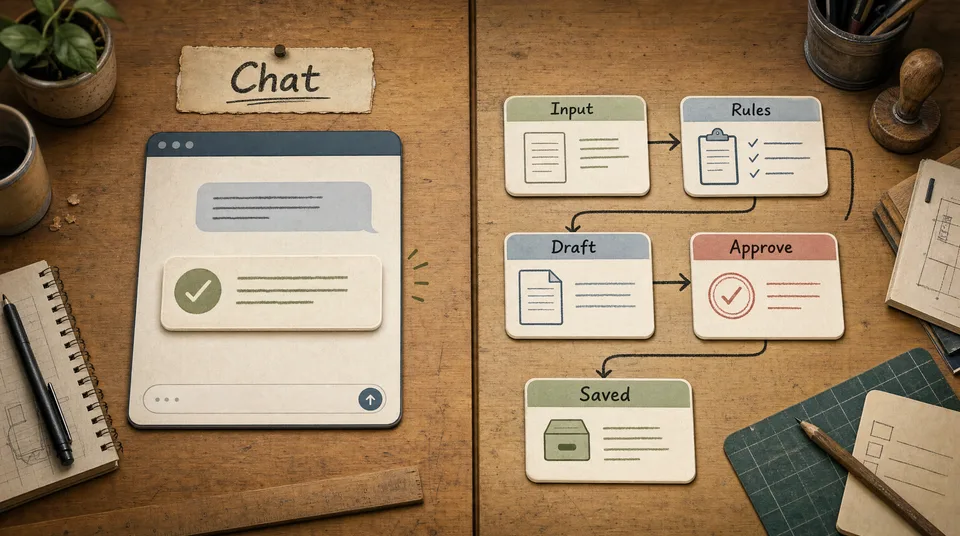
A workflow has inputs, rules, draft output, approval, and a saved result. It does not depend on the owner remembering the right prompt every time.
Chat is for occasional work
Chat is best when the task is irregular or exploratory.
Use a chat tool when you need to:
- brainstorm names for a package
- rewrite one paragraph
- understand a new concept
- summarize one document
- draft one email
- compare two ideas
- get unstuck
The pattern is simple:
- You bring the task.
- You explain the context.
- The AI answers.
- You decide what to use.
That works well when the task does not need to repeat in the same way.
For example, a spa owner might ask:
Rewrite this treatment description so it sounds calmer and clearer, but keep the price and duration unchanged.A gym owner might ask:
Give me five headline options for a beginner strength program.A restaurant owner might ask:
Turn this dish description into a shorter menu description.Those are good uses of chat.
The owner is present. The task is small. The output is reviewed immediately.
Workflows are for repeated work
A workflow is different.
It is built for tasks that happen again and again:
- reply to reviews
- qualify leads
- summarize weekly activity
- turn updates into posts
- route inquiries to the right person
- draft follow-up messages
- prepare reports
The pattern is:
- A new input arrives.
- The workflow reads approved business information.
- It applies rules.
- It drafts or labels the result.
- A human approves or edits.
- The final result is saved.
- The system is ready for the next input.
The key difference is memory and structure.
You do not explain the business from scratch each time. The workflow already has the approved tone, rules, prices, links, service details, and escalation boundaries.
That is what makes it useful operationally.
Example 1: review replies
Chat version:
You copy a Google review into ChatGPT and ask:
Write a polite reply to this review.It gives you a reply. You edit it. You post it.
That is fine for one review.
Workflow version:
A new review arrives. The workflow reads the star rating and review text. It checks your reply rules:
- thank positive reviewers by name if available
- mention the specific service when the review names it
- do not argue with complaints
- invite serious issues into a private follow-up
- never offer compensation in a public reply
Then it drafts the reply and labels it:
- positive, ready to approve
- mixed, manager review
- complaint, needs owner response
The owner approves the draft. The final reply is saved.
The workflow is not smarter because it uses magic. It is better because it repeats the process consistently.
Example 2: lead qualification
Chat version:
A real estate agent copies a buyer message into ChatGPT and asks:
Does this sound like a serious buyer?The answer may be useful, but the agent still has to provide the property context, budget range, location, timeline, and follow-up rules.
Workflow version:
The inquiry comes from a property page. The workflow already knows:
- property price
- neighborhood
- bedrooms
- buyer budget field
- timeline field
- message text
- viewing request status
It labels the lead:
- hot: budget matches, timeline under 3 months, viewing requested
- warm: budget close, timeline 3 to 6 months
- cool: early research or missing details
- mismatch: budget or property type does not fit
Then it drafts the next reply.
The agent still approves the message. But the lead arrives with context, priority, and a draft.
The same pattern works for gyms, clinics, spas, restaurants, and cooking classes. A workflow can sort a request by fit and urgency before a staff member touches it.
Example 3: weekly activity summaries
Chat version:
You export a spreadsheet, paste numbers into a chat, and ask:
Summarize this week's website activity.That can work, but it depends on the owner remembering to export, paste, explain, and ask.
Workflow version:
Every Monday morning, the workflow checks the same sources:
- key page visits
- CTA clicks
- form submissions
- WhatsApp clicks
- reviews waiting for reply
- leads still open
Then it drafts a summary:
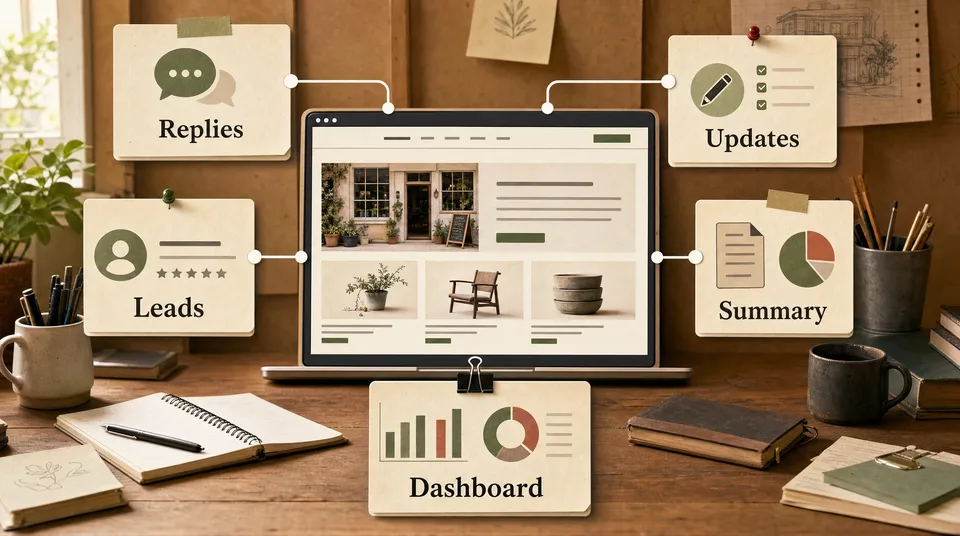
This week, treatment page visits were up 18%, but booking completions were flat. The couples package page had strong traffic and weak CTA clicks. Three reviews mention slow confirmation replies. Suggested next step: simplify the package CTA and prepare a faster weekend availability reply.The owner does not need a dashboard full of charts. They need the pattern and the next decision.
That is a workflow job.
The decision guide
Use chat when:
- the task is occasional
- you are exploring ideas
- the result does not need to connect to other systems
- you can provide the context manually
- you will review the answer immediately
Build a workflow when:
- the task happens every week
- the input comes from a known place
- the business has rules to follow
- staff need consistent output
- the result should be saved or routed
- speed affects leads, bookings, or customer experience
The simplest test:
If you find yourself using the same prompt more than five times, you probably need a workflow.
There is one more signal: if a mistake would affect a customer, a booking, a price, or a public promise, the work needs structure. A casual chat can help you think. A workflow can make sure the same checks happen every time before anything leaves the business.
Why prompts are not enough
Prompt libraries are useful, but they are not systems.
A prompt still requires someone to:
- find the prompt
- paste the right input
- include current business details
- remember the rules
- copy the output
- save the final version
- follow up later
That may be fine for a solo owner doing light work.
It breaks when the business gets busier or the task involves multiple staff members.
A workflow removes those manual bridges. The input is captured. The rules are already there. The draft is created in the right place. The approval step is clear. The result is saved.
That is the shift from “AI as a tool I visit” to “AI as a helper inside the work.”
What the workflow needs
A practical workflow needs five pieces.
First, a clear input.
That might be a review, form submission, booking request, new listing, class update, or weekly report.
Second, approved business information.
Prices, services, opening hours, links, tone, policies, restrictions, and escalation rules.
Third, rules.
What should the workflow do? What should it never do? What requires human approval?
Fourth, an output.
A reply draft, a lead label, a content draft, a weekly summary, or a task for a staff member.
Fifth, a review point.
Someone approves, edits, rejects, or escalates.
Without the review point, the workflow is risky. With it, the workflow becomes a practical assistant.
Start with one workflow
Do not try to automate the business in one step.
Pick one repeated task.
Good first workflows:
- Google review replies
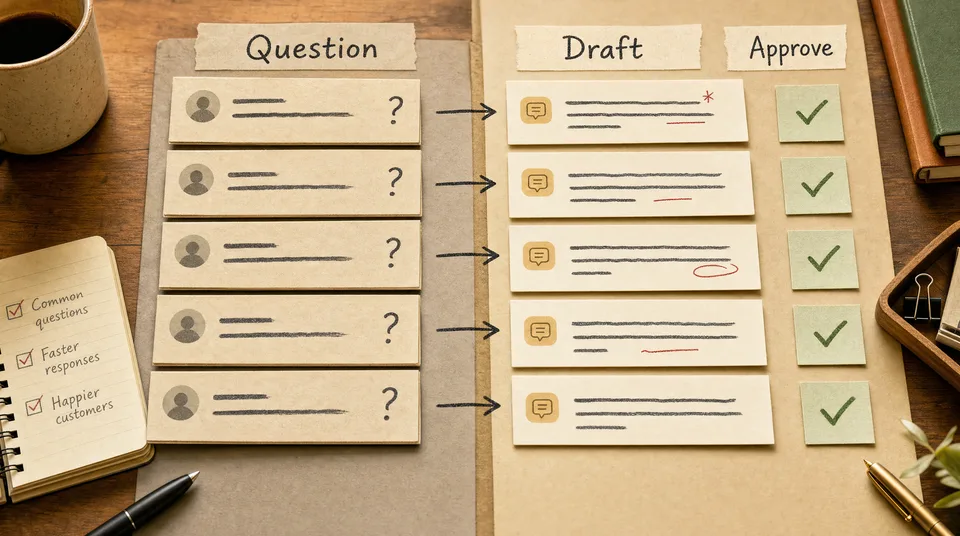
- booking question drafts
- lead qualification labels
- weekly activity summaries
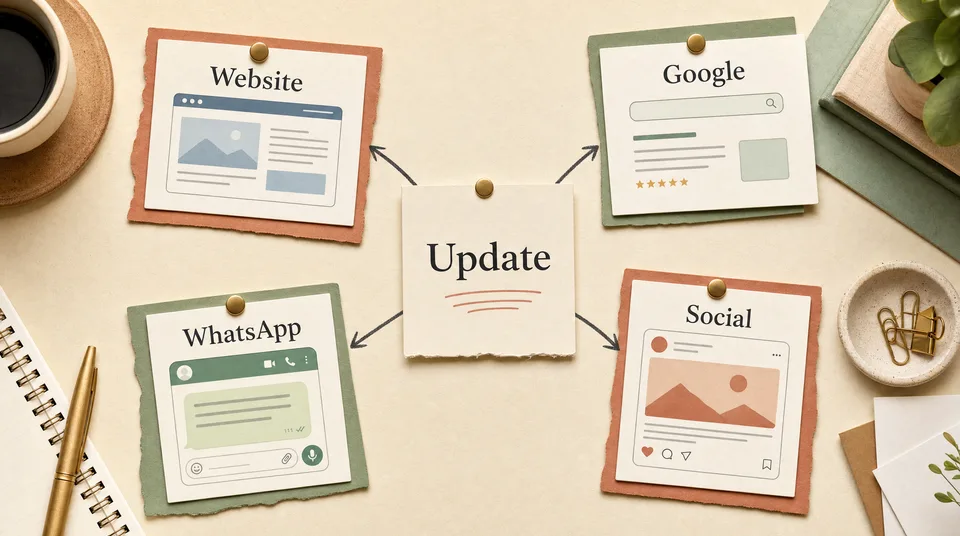
- one-update-to-four-channels content drafts
Bad first workflows:
- handling complaints without review
- changing prices automatically
- sending medical or legal advice
- publishing offers without approval
- replacing staff judgment in complex situations
The first workflow should save time and build trust. Once the team trusts it, connect the next piece.
What this looks like after three months
The restaurant no longer rewrites every review reply from scratch. The owner approves drafts twice a week.
The spa has a weekly summary showing which treatment pages create bookings and which questions keep repeating.
The gym has trial leads labeled by goal and urgency before the front desk replies.
The real estate agency sees hot property inquiries first instead of digging through every message.
The clinic has consultation questions drafted into safe, approved replies that invite booking without giving advice.
The cooking class turns each new class update into website, Google, email, and social drafts from one source note.
None of these replace the owner. They reduce repeated work around the owner.
The point
ChatGPT is useful. Keep using it for one-off thinking and writing.
But if the same task keeps coming back, do not keep opening a blank chat box.
Turn the task into a workflow: input, rules, draft, approval, saved result.
That is where AI starts helping the business instead of just answering questions.
If you are ready to move from occasional prompts to repeatable workflows, start with AI systems from Art of Web.