Blog
How to Stop Copy-Pasting the Same Customer Replies Every Week
Published 2026-07-12
Open your inbox, WhatsApp, Instagram DMs, Google reviews, or booking messages.
You will probably see the same questions you answered last week.
“Do you have parking?”
“Can I book for Saturday?”
“How much is the consultation?”
“Is this suitable for beginners?”
“Do you have vegetarian options?”
“Is this property still available?”
Most small businesses answer these manually. Someone remembers the answer, types a polite version, checks the details, sends it, and does the same thing again tomorrow.
Sometimes the answer is copied from an old message. Sometimes it is rewritten from scratch. Sometimes a staff member gives a slightly different answer than the owner would have given. Sometimes the reply waits three hours because everyone is busy.
This is exactly where AI can help, but not as a public chatbot that talks to customers on its own.
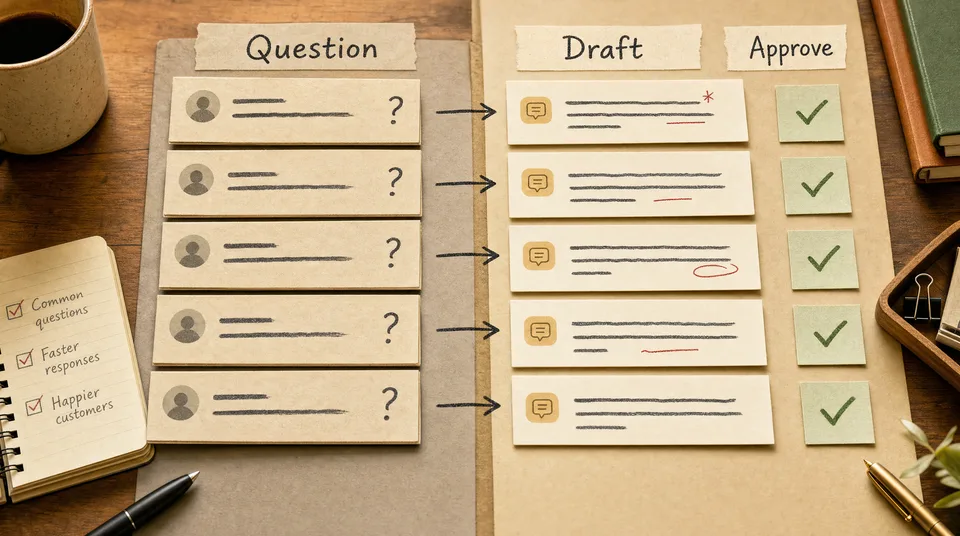
The safer and more useful version is an approved reply workflow.
AI drafts the reply. Your team approves it. The final answer still sounds like you.
The real problem is not typing
Typing is only part of the cost.
The bigger cost is context switching.
A restaurant owner is checking supplier invoices, then stops to answer a booking message. A spa manager is confirming therapist schedules, then stops to reply to a treatment question. A gym owner is running a class, then checks a trial inquiry between sessions. A real estate agent is on the road, then pauses to answer another “still available?” message.
Each reply takes attention.
Even a simple answer has hidden decisions:
- What is the correct information?
- How warm should the reply be?
- Should we invite them to book now?
- Should this person get a longer answer?
- Is this question urgent?
- Did we already tell them something different?
That is why repeated replies still feel tiring. They are small decisions disguised as messages.
A good workflow reduces the decision to review and approve.
Step 1: collect the replies you already send
Do not start by asking AI to invent your customer service voice.
Start with real examples.
Collect 20 to 50 messages your business has already sent. Pull them from WhatsApp, email, Instagram, Google reviews, booking tools, or wherever your customers contact you.
Sort them into common groups:
| Reply type | Examples |
|---|---|
| Availability | booking slots, class times, viewing times |
| Pricing | treatment prices, membership fees, consultation costs |
| Suitability | beginner level, dietary needs, family-friendly options |
| Logistics | parking, location, deposits, cancellation rules |
| Reviews | thank-you replies, complaint replies, follow-up promises |
| Sales follow-up | ”still interested?”, package suggestions, next steps |
For each group, pick three good replies you would happily send again.
These become your source material. They show the workflow how your business actually speaks.
Step 2: write the rules in plain English
The workflow needs rules, not a vague instruction to “sound friendly.”
Write rules like these:
- Use warm, direct language.
- Keep replies under 120 words unless the customer asks a detailed question.
- Never promise availability unless the booking calendar confirms it.
- Never invent prices. Use the approved price list only.
- For complaints, acknowledge the issue before explaining.
- For high-value inquiries, invite the customer to a specific next step.
- For unclear questions, ask one clarifying question instead of guessing.
Rules are what make the system safe.
For a clinic, one rule might be: never give diagnosis or treatment advice in a message; invite the person to book a consultation.
For real estate, one rule might be: never say a property is available unless the listing status is current.
For a restaurant, one rule might be: if someone asks about allergies, tell them staff can guide them, but do not guarantee zero cross-contact unless the kitchen has confirmed it.
The more practical the rules, the better the drafts.
Step 3: define what AI is allowed to draft
Keep the first version narrow.
Start with the replies that are common, low risk, and easy to approve:
- thanking people for positive reviews
- answering opening hours
- explaining how to book
- sending class schedule links
- confirming that a team member will follow up
- asking a lead one clarifying question
- turning a long customer question into a clean internal summary
Do not start with refunds, complaints, medical advice, legal questions, or anything involving sensitive decisions.
Those can still be helped later, but they need tighter review rules.
The best first workflow is boring. Boring means it will run every week.
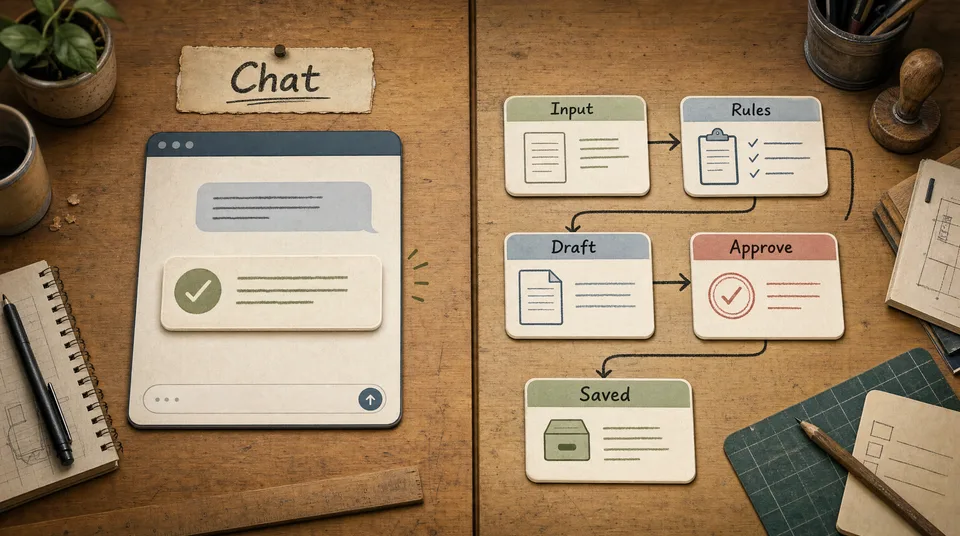
Step 4: build the draft, approve, send loop
Here is the simple version:
- A customer message arrives.
- The workflow identifies the reply type.
- It checks approved business information.
- It drafts a reply in your tone.
- A human reviews the draft.
- The human edits if needed and sends.
- The final sent reply is saved as a better example for next time.
That last step matters.
Every good reply improves the library. Over time, the workflow has more examples of how your team answers real customers.
The goal is not to remove people from the conversation. The goal is to stop making people start from zero.
Before and after
Here is a simple restaurant example.
Customer:
Hi, do you have vegetarian options? We are 5 people and might come tonight.
Manual reply:
Yes we have vegetarian dishes. Please call us to book.
Approved workflow draft:
Yes, we have several vegetarian options, including our grilled eggplant salad, mushroom rice bowl, and seasonal vegetable curry. For five people tonight, it is best to reserve so we can keep a table ready. What time were you thinking?
The second reply does more work. It answers the question, gives confidence, and moves toward a booking.
Here is a gym example.
Customer:
I am new and not very fit. Are your classes okay for beginners?
Approved workflow draft:
Yes. The best starting point is our beginner assessment, not jumping straight into a busy class. A trainer checks your goals, current fitness, and any injuries, then recommends the right class or program. Would you like me to send the available assessment times this week?
That reply protects the customer and creates a better lead.
Here is a real estate example.
Customer:
Is the 2 bedroom condo in Sathorn still available?
Approved workflow draft:
Yes, it is currently available. Before we arrange a viewing, can I check your preferred budget range and timing? That helps us confirm whether this unit is a good fit and suggest similar options if needed.
The answer gives information but also qualifies the lead.
What to include in the source material
A useful reply workflow needs more than old messages.
Give it a small approved knowledge base:
- current prices
- service descriptions
- opening hours
- location and parking details
- cancellation rules
- booking links
- menu or treatment details
- property status rules
- class levels
- escalation rules
Keep this information short and current. A messy 50-page document is worse than a clean two-page reference.
For most businesses, the first version can be a simple markdown or Google Doc:
Business tone:
Warm, concise, helpful, never pushy.

Never say:
"Guaranteed", "no problem", "AI", "automated".

Always check before promising:
Availability, price changes, custom requests, refunds.

Approved next steps:
Book a table, request a consultation, schedule a viewing, choose a trial assessment.
The workflow uses this as guardrails.
What the owner still approves
Human approval is not a weakness. It is the control point.
The owner or trained staff member should approve:
- any message with a price
- any booking or availability promise
- any complaint reply
- any refund or cancellation issue
- any medical, legal, or sensitive topic
- any reply to a high-value lead
AI can still prepare the draft. The human decides whether it goes out.
That is the difference between useful automation and risky automation.
How to measure whether it works
Track simple numbers for 30 days:
| Metric | What you want |
|---|---|
| Average reply time | Lower |
| Draft acceptance rate | Higher over time |
| Manual rewrites | Lower |
| Missed messages | Lower |
| Inquiry-to-booking rate | Higher |
Draft acceptance rate is especially useful.
If staff accept 80% of drafts with only small edits, the workflow is doing its job. If they rewrite every draft, the rules or source material are wrong.
Do not blame the tool first. Improve the examples.
Start with one reply type
The easiest place to begin is usually Google reviews.
Why?
Because the input is public, the reply is short, and the approval step is obvious.
Set up a workflow that drafts:
- thank-you replies for positive reviews
- calm acknowledgement replies for mixed reviews
- escalation notes for serious complaints
Then move to booking questions. Then lead qualification. Then follow-up messages.
Small steps are how this becomes part of the business instead of another abandoned tool.
The point
You do not need a chatbot pretending to be your business.
You need a reply system that knows your tone, uses your approved information, drafts the first version, and keeps a human in control.
That is how a small team replies faster without sounding generic.
If your team is still rewriting the same customer messages every week, talk to Art of Web and we can build the reply workflow around the way your business already communicates.